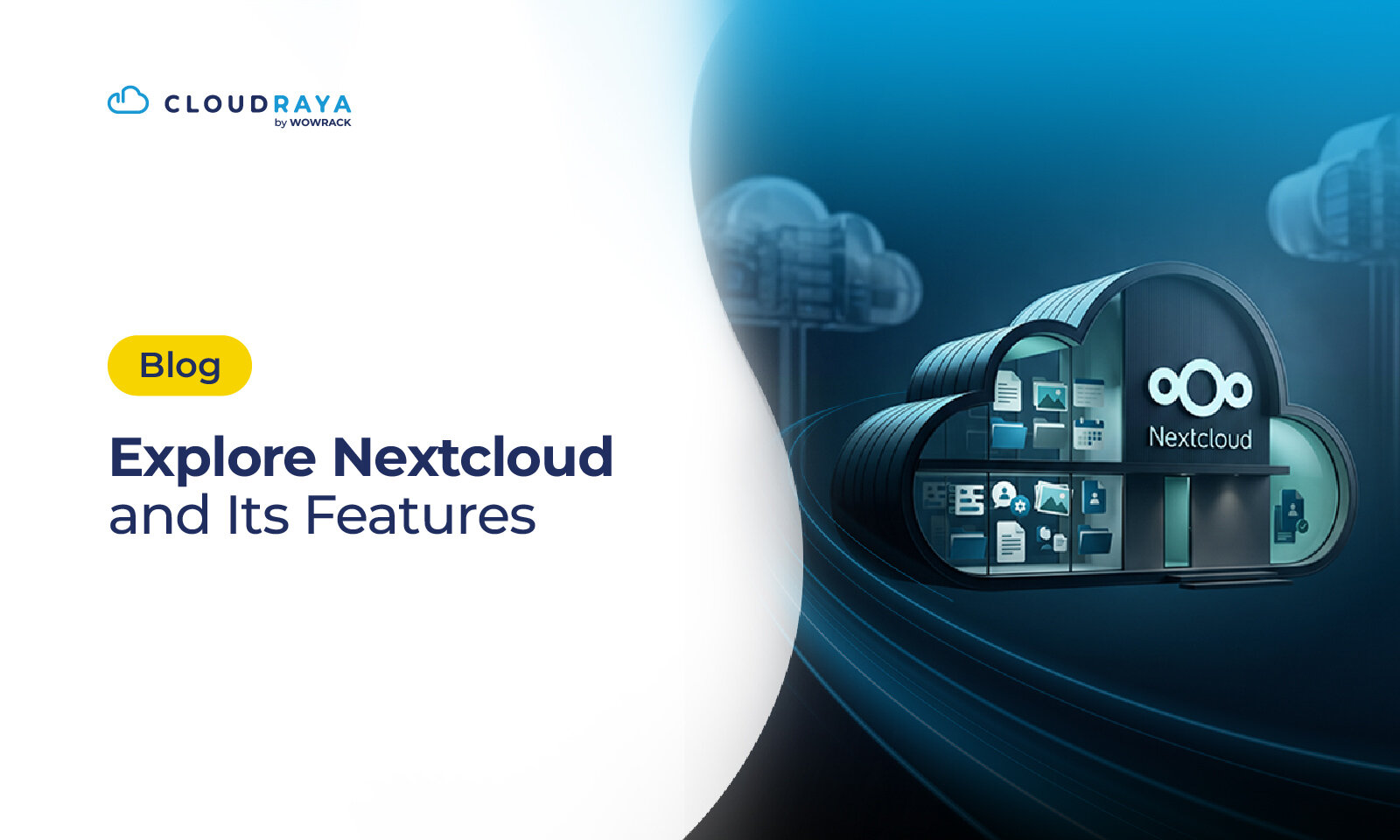
If you need a storage service that is more secure and flexible like a private cloud but have a limited budget, you need to know what Nextcloud is.
In short, Nextcloud is an open-source cloud storage platform for storing, managing, synchronizing, and sharing files using a server that you manage yourself.
With Nextcloud, you have more freedom to decide how your data is stored and who can access it.
This makes it a suitable choice for you who need flexibility and security at the same time.
In this article, we will discuss Nextcloud, from how it works and its available features to its advantages over other cloud storage services and how to install it on a server.
Keep reading until the end!
Why Are Many Companies Using Private Cloud Storage?
A survey from Broadcom Private Cloud Outlook shows that 84% of organizations use private cloud to run traditional enterprise applications and cloud native workloads.
At the same time, there are already many public cloud storage services like Google Drive that are more convenient. You can simply upload a file and access it from anywhere.
So, why do many businesses still choose private cloud storage?
The answer is data security and control.
The larger a company becomes, the more data it needs to manage and protect. Meanwhile, public cloud has certain limitations when it comes to the level of security and data control available to users because the infrastructure is managed directly by the cloud provider.
Companies can manage access through user accounts, but they do not have full control over the storage environment.
Compliance is another consideration. Certain industries have specific requirements regarding data storage locations, access, security, and data management. This makes private cloud or self-managed servers worth considering over public cloud.
Besides security and control, cost can also be a factor. As the number of users and storage requirements continue to grow, cloud storage subscription costs can increase as well.
But isn't private cloud more expensive and complicated than public cloud?
It can be. But this is where Nextcloud can help you build a private server environment at a more affordable cost.
What Is Nextcloud?
Nextcloud is an open-source cloud storage software that can be installed on your own server.
With Nextcloud, you can create a private cloud on top of a public cloud server from a service provider. For example, if you have a VM or VPS on CloudRaya, which is a public cloud service provider, you can install Nextcloud and have your own private space.
This gives you a private cloud workspace running on public cloud infrastructure.
You can access your files through a browser, computer, or smartphone, as long as the device is connected to the server and has the necessary access permissions.
Since Nextcloud is an open-source platform, there is also a large amount of source code and community resources available from the Nextcloud community around the world. You also have more freedom to customize the installation based on your organization's needs.
With these capabilities, Nextcloud is an attractive option for companies that need self-hosted cloud storage. Self-hosted means the application and its data are placed on infrastructure that you manage yourself, such as a VPS, cloud server, or dedicated server.
How Does Nextcloud Work?
Nextcloud's basic concept can be understood through this simple flow:
Laptop → Server → Nextcloud → Internet → Smartphone → Synchronization
First, Nextcloud is installed on a server. This server runs the Nextcloud application and also serves as the storage location for your data based on your configuration.
When you upload a file from your laptop, the file is sent to the server through the Nextcloud application interface. Once stored, the file can be accessed again through a browser or another connected device.
For example, imagine you are working on a document from your laptop at the office. Once the file is stored and synchronized, you can open it from your smartphone while you are away from the office. When access and synchronization are properly configured, changes to the file can also be updated across other devices.
Nextcloud acts as a bridge between user devices and the storage server. Behind this simple process are various mechanisms for authentication, permissions, synchronization, and communication between the client and server.
For more technical use cases, Nextcloud also supports protocols such as WebDAV. However, you do not need to understand this part to grasp the basic concept. The important thing is that your data stays on the server you choose, while access can be managed according to your needs.
What Are the Features and Capabilities of Nextcloud?
Nextcloud comes with several features and capabilities that can support your team's daily work.
1. FileStorage
One of Nextcloud's main features is storing documents, images, videos, and various types of files in one place. You can organize the folder structure based on your team's or organization's needs.
2. Automatic Synchronization
Nextcloud can synchronize files between the server and connected devices. This means you do not have to keep moving files manually.
3. File Sharing
Share files and folders for smoother collaboration. You can also manage access based on the permissions you assign.
4. User Management
You can create users, organize groups, and determine who can access specific files or folders. This makes it easier to manage data access securely.
5. Calendar
Nextcloud also lets you manage schedules and team agendas through a calendar integrated into the Nextcloud ecosystem.
6. Contacts
Store and manage contact lists in one place so contact information can be accessed from connected devices.
7. Chat
Nextcloud makes team communication easier through its chat application, allowing internal conversations to stay within the same workspace.
8. Video Meetings
With the appropriate application, Nextcloud can also be used for communication and video meetings without having to move all activities to another platform.
9. Document Collaboration
Teams can collaborate on documents online through integrations with specific applications. This helps work get done faster without having to maintain multiple copies of the same document.
10. Mobile Apps
Access files and work activities from your smartphone through mobile applications. This is useful for teams working from different locations.
What Are the Advantages of Nextcloud Compared to Other Cloud Storage Services?
One common question when discussing Nextcloud is, what makes it different from other storage services?
People usually compare it with popular storage services such as Google Drive, OneDrive, Dropbox, or iCloud.
The main difference comes down to how each service is managed.
Nextcloud uses a self-hosted approach, so you can run it on your own server and have greater control over your data and configuration. Meanwhile, services such as Google Drive and others use a public cloud model, where the infrastructure is managed by the provider.
For a clearer comparison, here is how Nextcloud compares with several popular cloud storage services.
| Aspect | Nextcloud | Google Drive | Dropbox | OneDrive | iCloud |
| Model | Self-hosted | Public cloud | Public cloud | Public cloud | Public cloud |
| Data control | High | Limited | Limited | Limited | Limited |
| Installation | Requires setup | Ready to use | Ready to use | Ready to use | Ready to use |
| Flexibility | High | Medium | Medium | Medium | Limited |
| Collaboration | ✓ | ✓ | ✓ | ✓ | ✓ |
| Ecosystem | Open source | Dropbox | Microsoft | Apple |
Ultimately, the right choice depends on your needs. If your priority is convenience without having to manage a server, public cloud can be more practical. But if you prioritize control, flexibility, and self-hosting, Nextcloud is worth considering.
Who Should Use Nextcloud?
Nextcloud can be used by anyone who needs greater control and security over their data.
Companies
Suitable for storing internal documents, sharing files, and supporting team collaboration without fully relying on public cloud services.
Hospitals
Helps manage data and documents with more structured access control, especially when the stored information is sensitive.
Government Organizations
Can be used to build a private cloud with greater control over the organization's data storage and access.
Schools
Makes it easier for teachers and staff to store, share, and collaborate on learning materials and administrative documents.
Startups
Provides the flexibility to adjust cloud capacity and configuration as storage requirements and the number of users grow.
Developers & Enterprises
Suitable for developers who need an open source and flexible platform, as well as enterprises that require cloud infrastructure that can be customized to their organizational needs.
When Should You Use Nextcloud?
You can start considering Nextcloud when your storage needs are no longer fully met by regular cloud storage services.
For example, a company may store sensitive data and need more detailed access controls. An organization may also need to comply with specific regulations regarding data management.
Nextcloud can also be a solution when storage requirements continue to grow and a company wants more control over its infrastructure. The same applies when your team needs a private cloud that can be adapted to its workflow.
Where Can Nextcloud Be Installed?
To start using Nextcloud, you need a server where the application and data can run. The option you choose can depend on your scale and requirements.
VPS
A VPS can be a good choice for personal use, small teams, or the early stages of implementation. You can adjust the server resources according to your needs.
Dedicated Server
If you need dedicated resources and greater control over the hardware, a dedicated server can be considered. This option is generally more suitable for larger workloads.
Cloud Server
A cloud server offers flexibility in managing resources and infrastructure. This can be a good option when your storage and server capacity requirements are expected to grow over time.
Docker
If you are already familiar with containers, Nextcloud can also be run using Docker. This approach can make application deployment and management more structured.
In general, the installation process involves preparing the server, installing the required dependencies, setting up the database, installing Nextcloud, and completing the configuration through a browser.
After installation, make sure to configure security, users, permissions, backups, and network access. A private cloud still requires proper management to keep your data secure and the service running reliably.
How to Install Nextcloud
Once your server is ready, you can start by following these steps:
- Preparethe Database: Nextcloud requires a database to store information such as users, configurations, and file metadata.
- Install Nextcloud: Install Nextcloud on the server using the appropriate method. You can install it directly or use Docker.
- Configure Nextcloud: Once the installation is complete, access Nextcloud through a browser and complete the initial configuration, including creating an administrator account and connecting the database.
- Configure Security and Backup: Don't stop once Nextcloud is up and running. Configure HTTPS, permissions, users, backups, and other security settings to keep the service more secure.
If you are a non-IT user or need to deploy Nextcloud more quickly and conveniently, you can use the serverless service available on CloudRaya Marketplace. Simply visit the CloudRaya Marketplace page, click deploy, and your Nextcloud will be installed automatically.
You do not need to prepare a server first or go through a complicated setup process.
Conclusion
Nextcloud is a private cloud storage solution for those who need both storage and greater control over their data and infrastructure. With features for file sharing, synchronization, collaboration, and user management, Nextcloud can be a flexible option for building your own cloud storage environment.
To try Nextcloud, you can install it manually by preparing a server first, or use the serverless service available on CloudRaya Marketplace. With just a few clicks, your Nextcloud will be ready to use.
Go ahead and install your Nextcloud today!