From deploy to scale, CloudRaya gives you the tools, control, and support to run your projects with ease.


How CloudRaya Can Help
Managing cloud infrastructure while driving business is tough. Our platform offers top-notch security, flexibility, and ease of use, so you can focus on building and growing while we handle the hard stuff.
S
ecure
A
ccessible
F
lexible
E
fficient

Secure
With our fully isolated resources, comprehensive security features, and ISO/IEC 27001:2022 certification, CloudRaya can keeps your data secure.

Accessible
Our infrastructure runs on HA-grade enterprise SSDs, resilient network, and local exchange support to give high uptime and data availability.

Flexible
CloudRaya gives the flexibility to customize infrastructure, scale resources, pick the most suitable payment method, and manage billing reports.

Efficient
With our fast cloud provisioning, easy-to-use panel, and pay-per-use payment system, CloudRaya can help you to save time, money, and effort.
Start to Build and Grow with Us
CloudRaya offers reliable, flexible cloud solution with advanced features, security, tools, and integrations—supporting you at every stage of your cloud journey.


Seamless Control Panel
CloudRaya offers a user-friendly platform for deploying, scaling, managing, and optimizing your infrastructure. Our centralized and intuitive dashboard removes the complexities of cloud management so you can focus on what matters most—growth and innovation.


Build and Integrate with Ease
Build your apps the way you want. In CloudRaya, you can seamlessly integrate and manage various tools, APIs, and frameworks—allowing you to explore more of the cloud potential.


"CloudRaya memberikan stabilisasi performa infrastruktur yang cukup baik. Respon pelayanan customer support yang diberikan juga sangat cepat dan dapat memberikan saran yang sesuai dengan kebutuhan kami.."
Taufiq Agus S.
PT. Jasuindo Informatika Pratama

"Luar biasa! Mudah digunakan dengan support yang hebat. Fitur-fiturnya juga terus diperbaharui."
Heru Setiawan
Smart IT

"Tim support sangat cepat merespon keluhan dan banyak pilihan untuk menentukan infrastruktur yang cocok untuk kebutuhan perusahaan kami."
Hakim
Delovely Clinic

"Hal yang paling saya suka dari CloudRaya adalah pelayanan customer servicenya yang fast response."
Adhitya Podo Nugroho
PT. Garam

"Menurut saya CloudRaya ini provider Public Cloud yang bagus."
Wahyu Tri Wibowo
Radjawali SCC

"Setiap kami memiliki kendala CloudRaya memberikan service yang bagus, fast response, support yang istimewa, langsung ditangani, dan mantab. Saya suka servicenya."
Aria Soewartono
PT. Neosoft Teknologi Asia

"Performa yang diberikan oleh CloudRaya cukup membantu dalam operasional kami. Serta tersedia chat dengan customer service untuk membantu permasalahan yang kami hadapi dengan cepat."
Esa Pranata
PT. Sentra Vidya Utama (SEVIMA)

"Sesuai dengan ekspektasi. Layanan Produk sangat baik dengan UP NonStop dan didukung tim support yang fast response."
Hendroyono Wibowo
PT. Sumber Djaya Perkasa

"Layanan CloudRaya sangat membantu kebutuhan bisnis perusahan kami. Dengan fitur dan tampilannya yang responsive, dapat memberikan pelayanan dan support 24 jam yang cukup memuaskan. Selain itu, CloudRaya juga sangat sabar dan memberikan solusi dalam menanggapi masalah kami sebagai client."
Mahmud Nur Ikhsan
PT Seger Agro Nusantara
Our Resources
From optimizing cloud infrastructure to exploring new tech, CloudRaya provides you with resources to help you build, learn, and grow with confidence.
Knowledge Base
CloudRaya Blog
Case Study

How to Deploy Your First Virtual Machine on CloudRaya
Find out how easy it is to store, manage, and deploy your container images at CloudRaya. This knowledge base article will tell you the step by step method to explore our container registry features.

How to Create Your First KubeRaya Cluster
Kuberaya offers capabilities to auto-provisioning nodes in Kubernetes' cluster in multi-region. The available regions for the process of Kubernetes cluster creation in KubeRaya are Jakarta, Surabaya, and Seattle.
Creating a StorageRaya Bucket, Step by Step
For developers seeking to harness containerization's potential in their applications, container usage has significantly streamlined the development process.
How to Deploy Your First Virtual Machine on CloudRaya
Find out how easy it is to store, manage, and deploy your container images at CloudRaya. This knowledge base article will tell you the step by step method to explore our container registry features.
Read More about How to Deploy Your First Virtual Machine on CloudRaya How to Create Your First KubeRaya Cluster
Kuberaya offers capabilities to auto-provisioning nodes in Kubernetes' cluster in multi-region. The available regions for the process of Kubernetes cluster creation in KubeRaya are Jakarta, Surabaya, and Seattle.
Read More about How to Create Your First KubeRaya Cluster Creating a StorageRaya Bucket, Step by Step
For developers seeking to harness containerization's potential in their applications, container usage has significantly streamlined the development process.
Read More about Creating a StorageRaya Bucket, Step by Step
How to Install Hermes Agent on a VPS: Step-by-Step Guide
If you think AI is only useful for answering questions and helping you get things done, it's time to discover Hermes Agent! Hermes Agent does more than answer questions. It can remember context,...
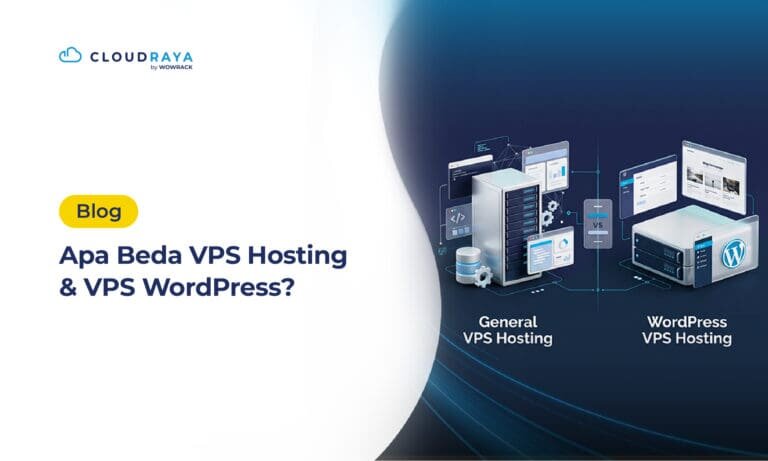
WordPress VPS vs. VPS Hosting: What's the Difference?
Want to build a website but aren't sure whether to choose a WordPress VPS or regular VPS Hosting? Although they may seem similar, WordPress VPS and regular VPS Hosting differ in their initial setup...
aaPanel for Easier Linux Server Management
Linux server's user, have you heard of aaPanel? aaPanel helps you manage your Linux server more easily, from server services to databases. But what exactly is aaPanel? What can it do, and what are...
How to Install Hermes Agent on a VPS: Step-by-Step Guide
If you think AI is only useful for answering questions and helping you get things done, it's time to discover Hermes Agent! Hermes Agent does more than answer questions. It can remember context, learn from your interactions, and help carry out tasks more independently. Think of it as your personal office assistant, but powered by […]
Read More about How to Install Hermes Agent on a VPS: Step-by-Step Guide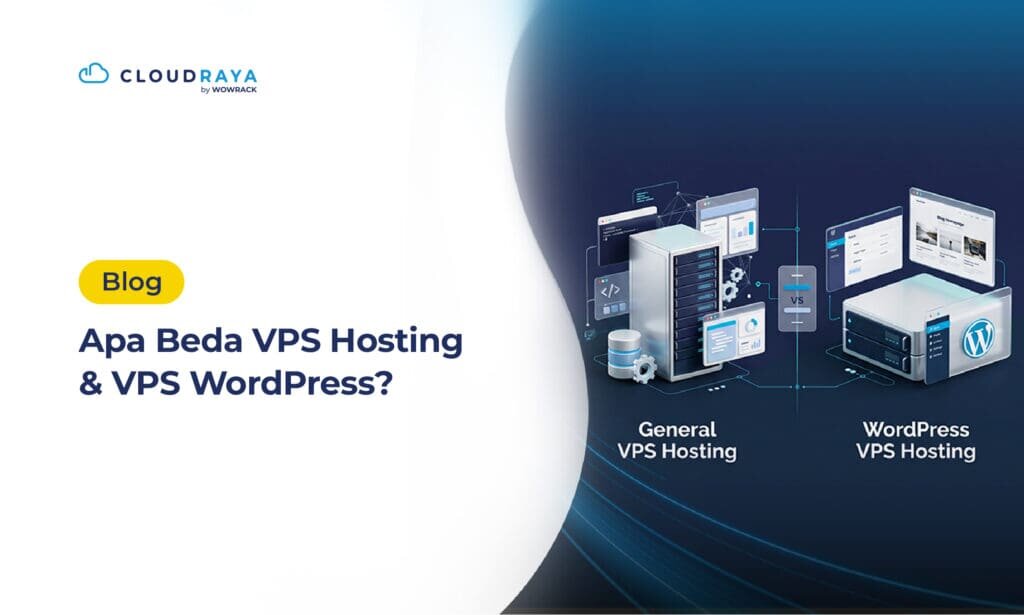
WordPress VPS vs. VPS Hosting: What's the Difference?
Want to build a website but aren't sure whether to choose a WordPress VPS or regular VPS Hosting? Although they may seem similar, WordPress VPS and regular VPS Hosting differ in their initial setup and intended use. Before choosing, it's worth understanding what each option offers, along with its benefits and drawbacks. Let's break down […]
Read More about WordPress VPS vs. VPS Hosting: What's the Difference?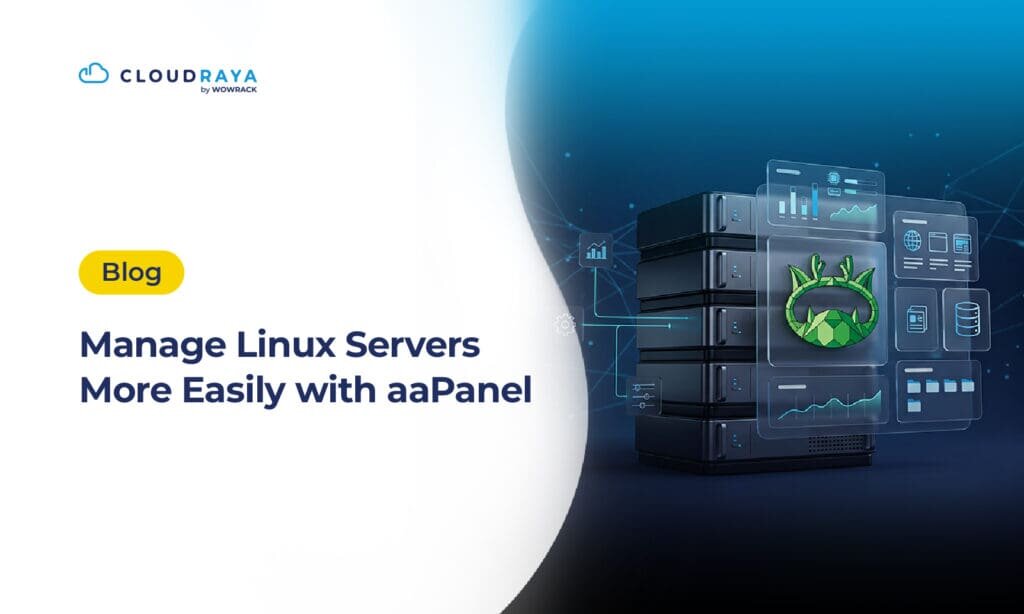
aaPanel for Easier Linux Server Management
Linux server's user, have you heard of aaPanel? aaPanel helps you manage your Linux server more easily, from server services to databases. But what exactly is aaPanel? What can it do, and what are its benefits? Let’s break it down. What Is aaPanel? aaPanel is a web-based control panel for managing Linux servers. Through its […]
Read More about aaPanel for Easier Linux Server Management
CloudRaya Supports the Success of NPLC 8th at Ciputra University
Universitas Ciputra successfully held its annual NPLC using CloudRaya’s reliable platform, ensuring smooth operations and a seamless participant experience.

CloudRaya Helps Neosoft Cut Infrastructure Costs by Up to 50%
Neosoft, a company that provides essential applications for aesthetic clinics, is looking for a partner who can help them scale their business without burdening their day-to-day operations. This is how CloudRaya can help them achieve their growth objective.

Nuteam Saves 40% on Costs by Automating Its Pipeline with CloudRaya Kubernetes
With hundreds of daily users, Nuteam delivers key collaboration tools for businesses. To boost IT efficiency, they teamed up with CloudRaya — here’s how the collaboration worked.
CloudRaya Supports the Success of NPLC 8th at Ciputra University
Universitas Ciputra successfully held its annual NPLC using CloudRaya’s reliable platform, ensuring smooth operations and a seamless participant...
Read More about CloudRaya Supports the Success of NPLC 8th at Ciputra University CloudRaya Helps Neosoft Cut Infrastructure Costs by Up to 50%
Neosoft, a company that provides essential applications for aesthetic clinics, is looking for a partner who can help them scale their business without burdening their day-to-day operations. This is...
Read More about CloudRaya Helps Neosoft Cut Infrastructure Costs by Up to 50% Nuteam Saves 40% on Costs by Automating Its Pipeline with CloudRaya Kubernetes
With hundreds of daily users, Nuteam delivers key collaboration tools for businesses. To boost IT efficiency, they teamed up with CloudRaya — here’s how the collaboration...
Read More about Nuteam Saves 40% on Costs by Automating Its Pipeline with CloudRaya KubernetesFAQ
CloudRaya delivers a simple and flexible cloud experience for both business needs and individual projects. With comprehensive services, flexible pricing, customizable infrastructure, multiple region options, and end-to-end security backed by ISO 27001 certification, CloudRaya helps you build and manage systems more easily and efficiently.
CloudRaya provides a comprehensive suite of cloud services to support both developers and businesses, covering everything from infrastructure to application management.
Our core services include Virtual Machines (VM), Kubernetes as a Service (KubeRaya), Object Storage (StorageRaya), CloudRaya Container Registry, various networking solutions, backup, and managed services.
All CloudRaya services are designed to be easy to use, scalable, and customizable to fit your needs.
CloudRaya is best suited for users with basic knowledge of cloud and infrastructure, such as mid-level developers, IT teams, and startups that are beginning to scale.
However, beginners can still use CloudRaya as a learning platform—especially for those who want hands-on experience in a real-world cloud environment. With clear documentation, flexible features, a simple interface, and 24/7/365 support, you can grow alongside your skills and needs.
CloudRaya operates multiple server locations in Indonesia and the United States.
In Indonesia, CloudRaya regions are available in several strategic cities such as Jakarta, Surabaya, Bali, Medan, and more locations will continue to be added. In the United States, CloudRaya’s region is in Seattle.
All CloudRaya regions are built to deliver reliable performance and high resilience to support a wide range of workloads
Yes. CloudRaya is built on a clustered environment with secure and redundant storage, supported by ISO 27001:2022 certification and network SLA of up to 99.9% to ensure service availability.
Yes. CloudRaya VMs support flexible resource scaling. You can increase or decrease your VM resources based on your needs without having to destroy and recreate the VM. This allows your services to grow alongside your business without disrupting operations.
CloudRaya uses a credit top-up system for service purchases and subscriptions. You can choose from multiple payment methods, including bank transfer, virtual account, credit card, e-wallet, and QRIS.
Yes. CloudRaya’s support team is available 24/7/365 to help you with any issues related to service usage and management, so your projects can continue to run smoothly.
Build, Deploy, and Scale Globally with CloudRaya
CloudRaya presents globally, allows you to expand your reach, deploy faster, and grow without boundaries.

Trusted by




US Headquarter
12201 Tukwila International Blvd #100,
Tukwila, Washington 98168
United States of America
APAC Headquarter
Menara BCA 50th Floor Unit 4546
Jl. MH Thamrin No.1
Jakarta Pusat, 10310
Indonesia

Get Our Latest Updates and News
Features
Resources
Company
Payment Method


Terms of Use
|
Privacy Policy
|
Cookie Preference
© 2026 CloudRaya and its affiliates. All rights reserved.