Cloud computing can be a practical solution for businesses that need flexible IT infrastructure without making a large upfront investment.
With various services and customizable resources, cloud computing helps you manage applications, data, and business operations more efficiently.
Explore the different types of cloud computing, their benefits, and the services available in Indonesia.
What Is Cloud Computing?
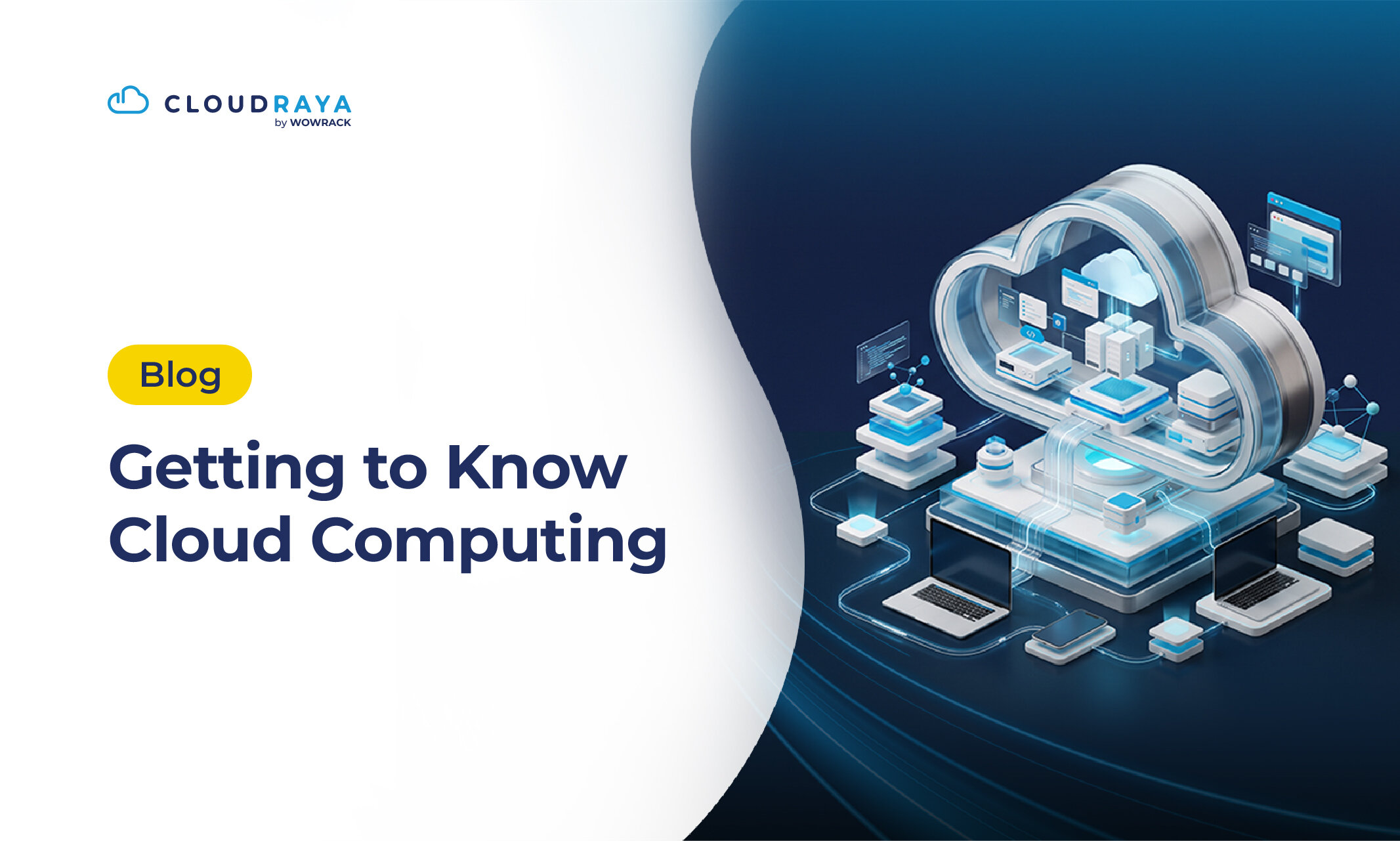
Cloud computing is a technology that provides access to computing resources such as servers, storage, and databases over the internet without requiring you to own physical infrastructure.
With cloud computing, you don't need to purchase hardware or build your own data center. This is widely used by developers, startups, and enterprises.
How Does Cloud Computing Work?
Cloud computing works through a network of servers hosted in data centers and connected to the internet. Providers make resources such as CPU, RAM, storage, and bandwidth available for you to access and manage through a dashboard or API.
For example, to run a website, you simply choose the server specifications that match your needs and deploy your application without purchasing physical hardware. If your requirements grow, you can easily scale your resources.
Key Components of Cloud Computing
Cloud computing consists of several interconnected components that work together to deliver computing services, including:
- Compute: Processing resources such as CPU and RAM used to run applications, websites, and other workloads.
- Storage: A place to store data, including files, databases, and backups.
- Networking: Network infrastructure that connects servers, applications, and users over the internet.
- Virtualization: Technology that allows a single physical server to be divided into multiple virtual environments, each with its own resource allocation.
- Management Platform: A dashboard or API used to manage, monitor, and configure cloud resources.
Benefits of Using Cloud Computing
Cloud computing offers several advantages over traditional IT infrastructure. Beyond its technical capabilities, it also helps businesses improve operational efficiency and infrastructure flexibility.
1. Scalability and Infrastructure Flexibility
You can adjust CPU, RAM, and storage capacity based on your needs. You can also scale resources up or down without purchasing additional hardware.
2. Lower Operational Costs
Some providers offer a pay-per-use pricing model, meaning you only pay for the resources you actually use without making a large upfront investment.
3. Access Your Data from Anywhere
You can access cloud resources from different locations and devices, as long as you have an internet connection and the appropriate access permissions.
4. Service Availability and Reliability
Cloud providers typically offer features such as monitoring, backup, and data recovery to help maintain service availability and protect your data.
5. Data Security and Protection
Cloud providers generally offer security features such as firewalls, encryption, and access controls. However, you still need to implement additional security configurations and maintain proper backup practices.
6. Easier Infrastructure Management
Through a dashboard or API, you can manage servers, storage, and networking while monitoring resource usage from a single platform.
Types of Cloud Computing Based on Deployment Models
Cloud computing can be categorized based on its deployment model, which describes how cloud infrastructure is provided and used. Here are the most common types.
Public Cloud
A public cloud is a cloud computing model where infrastructure is made available to multiple customers. Each user receives allocated resources within an isolated environment.
This model is suitable for businesses that need flexible infrastructure without having to build and maintain their own physical servers.
Private Cloud
A private cloud is a cloud infrastructure dedicated to a single organization. It provides greater control over resource configuration, security, and management.
Private clouds are commonly used by organizations with specific regulatory, privacy, or sensitive data management requirements.
Hybrid Cloud
A hybrid cloud combines public and private cloud environments within a single operating model. This allows businesses to keep sensitive data in a private cloud while taking advantage of the flexibility and scalability of public cloud services for other workloads.
This model is suitable for businesses that need a balance between infrastructure control and scalability.
Community Cloud
A community cloud is a shared cloud infrastructure used by multiple organizations with similar requirements, policies, or interests.
For example, several educational institutions or government organizations may share a cloud environment designed to meet their specific standards and operational needs.
Multi-Cloud
Multi-cloud is an approach that uses services from two or more different cloud providers. For example, a business might use one provider for computing resources, another for object storage, and a different service for database management.
This strategy allows businesses to choose services that best fit their needs while reducing dependence on a single provider.
Types of Cloud Computing Services
Beyond deployment models, cloud computing is also categorized by the types of services providers offer. The three most common service models are IaaS, PaaS, and SaaS.
Infrastructure as a Service (IaaS)
Infrastructure as a Service (IaaS) provides virtual computing resources such as servers, storage, and networking over the internet.
With IaaS, you can use virtual machines without purchasing or managing physical hardware. You still have control over the operating system, applications, and server configurations.
A common example is a Virtual Private Server (VPS), which can be used to host websites, run applications, and manage databases.
Platform as a Service (PaaS)
Platform as a Service (PaaS) provides a ready-to-use environment for developing, testing, and running applications.
The provider manages the underlying infrastructure, operating system, and certain platform components. This allows developers to focus more on writing code without having to manage the entire server environment.
PaaS is suitable for development teams looking to streamline their application development and deployment processes.
Software as a Service (SaaS)
Software as a Service (SaaS) allows users to access applications over the internet without having to install or manage the underlying infrastructure.
The provider is responsible for application management, servers, updates, and system maintenance.
Examples include Google Workspace for productivity, Microsoft 365 for office applications, and Salesforce for customer relationship management.
Tips for Choosing a Cloud Computing Provider in Indonesia
Choosing the right cloud provider is important to ensure your infrastructure meets your business requirements. Here are some key factors to consider.
1. Check Infrastructure Specifications and Performance
Make sure the provider offers specifications that match your workloads. Consider CPU, RAM, storage capacity, virtualization technology, and network performance.
If you're running applications with high traffic, choose infrastructure that can consistently handle your computing requirements and user demand.
2. Check Security and Data Center Locations
Look into the security features available, such as firewalls, encryption, access controls, and backup systems.
Data center location also matters, especially if most of your application users are based in Indonesia. Infrastructure located closer to your users can help reduce network latency.
3. Consider Service Scalability
Choose a provider that allows you to increase or decrease resource capacity based on your needs.
This way, you won't have to switch providers when your business grows or your computing requirements change.
4. Compare Pricing and Payment Models
Don't just compare the initial price. Consider billing models, additional fees, traffic quotas, and the cost of supporting services.
Providers with pay-per-use pricing can be a practical option if you want to align your spending with actual resource consumption.
5. Check Customer Support Availability
Infrastructure issues can directly affect business operations. That's why you should choose a provider that offers responsive technical support and clear communication channels.
Also, check support hours, the scope of technical assistance, and the provider's Service Level Agreement (SLA).
Cloud Computing Services from CloudRaya
CloudRaya offers a range of cloud computing services to support the needs of businesses, developers, and enterprises.
Here are some of the services available within the CloudRaya ecosystem.
1. CloudRaya VPS
CloudRaya VPS is a Virtual Private Server service that provides virtual computing resources for running websites, applications, databases, and various other workloads.
Built on KVM virtualization technology, CloudRaya VPS provides an isolated server environment with dedicated CPU, RAM, and storage allocations.
You can choose from different VPS options based on your requirements:
-
VPS KVM
CloudRaya VPS uses Kernel-based Virtual Machine (KVM) technology to provide an isolated virtual server environment. It gives you the flexibility to manage server configurations and run applications based on your specific needs.
-
VPS Windows
VPS Windows provides a server environment running on the Windows operating system. It's suitable for applications that require Windows Server compatibility, Remote Desktop access, and other Windows-based software.
2. StorageRaya (Object Storage)
StorageRaya is CloudRaya's object storage service, compatible with the Amazon S3 API.
It's suitable for storing various types of unstructured data, including images, videos, documents, application files, and backups.
StorageRaya supports integration with applications and tools that use the S3-compatible API. You also get unlimited inbound traffic and up to 1 TB of free outbound traffic per month.
Its billing model is based on hourly usage, calculated using the highest storage consumption recorded during each hour. This means your storage costs are based on your actual usage.
3. KubeRaya (Kubernetes as a Service)
KubeRaya is CloudRaya's Kubernetes as a Service (KaaS) offering, designed to help you manage and run container-based applications.
Kubernetes enables container orchestration, including deployment, scaling, and workload management. With KubeRaya, you can leverage the Kubernetes ecosystem to build and manage applications that require flexibility and scalability.
This service is suitable for developers and DevOps teams working with microservices-based applications or managing container workloads at scale.
4. Container Registry
CloudRaya Container Registry provides a centralized place to store and manage container images before deploying applications.
It helps developers organize application images so they can be accessed and used more easily throughout development and deployment workflows.
CloudRaya provides 10 GB of free storage, allowing you to start managing container images without storage costs within that limit.
5. Managed Services
CloudRaya Managed Services provides technical assistance for businesses that need support managing their cloud infrastructure without handling every technical task themselves.
The service covers operating system installation and configuration, maintenance, troubleshooting, and patching. CloudRaya's technical team also provides 24/7 support to help with infrastructure management needs.
This helps reduce your technical workload, giving you more time to focus on application development and business growth.
6. Marketplace
CloudRaya Marketplace is a platform that provides various applications and additional services to support application deployment and business operations.
Through Marketplace, you can deploy selected applications without having to handle manual installation and configuration. Available applications include WordPress, Moodle, and PocketBase. You can also access third-party services such as Zimbra and Acronis, along with licenses such as SSL and cPanel.
Why Choose CloudRaya as Your Cloud Computing Provider?
CloudRaya brings a range of cloud services together in one ecosystem to support different infrastructure needs.
Here are some of the advantages you can consider:
- Flexible infrastructure: Choose resources and services based on your workload requirements.
- Flexible pricing: With a pay-per-use pricing model, you have greater control over your cloud budget.
- Tier III data centers: Supported by data center infrastructure built to Tier III standards.
- Multiple server locations: Choose from several locations, including Jakarta, Surabaya, Bali, Medan, and Seattle.
- Complete service ecosystem: From VPS and object storage to Kubernetes and Container Registry.
- Centralized management: Manage various cloud requirements through the CloudRaya platform.
- Easy-to-use panel: CloudRaya's centralized panel features an intuitive interface designed to make cloud management easier.
- 24/7 support: CloudRaya's support team is available around the clock to help resolve technical issues.
With its range of services and infrastructure options, CloudRaya can be a suitable cloud computing provider for both personal and business needs.
Conclusion
Cloud computing gives businesses the flexibility to manage IT infrastructure, optimize costs, and scale their services based on changing requirements. Sign up with CloudRaya today and explore flexible, reliable, and easy-to-manage cloud computing services for your needs.