Many people assume Docker is either an alternative to Virtual Machines or similar to Kubernetes. In fact, they have different purposes and often complement one another.
In simple terms, Docker is a technology that helps developers build, test, package, and deploy applications. It solves one of the most common development challenges like ensuring an application runs consistently across different environments. But how does Docker actually work, and what makes it different from Virtual Machines and Kubernetes? Let's find out!
What Is Docker?
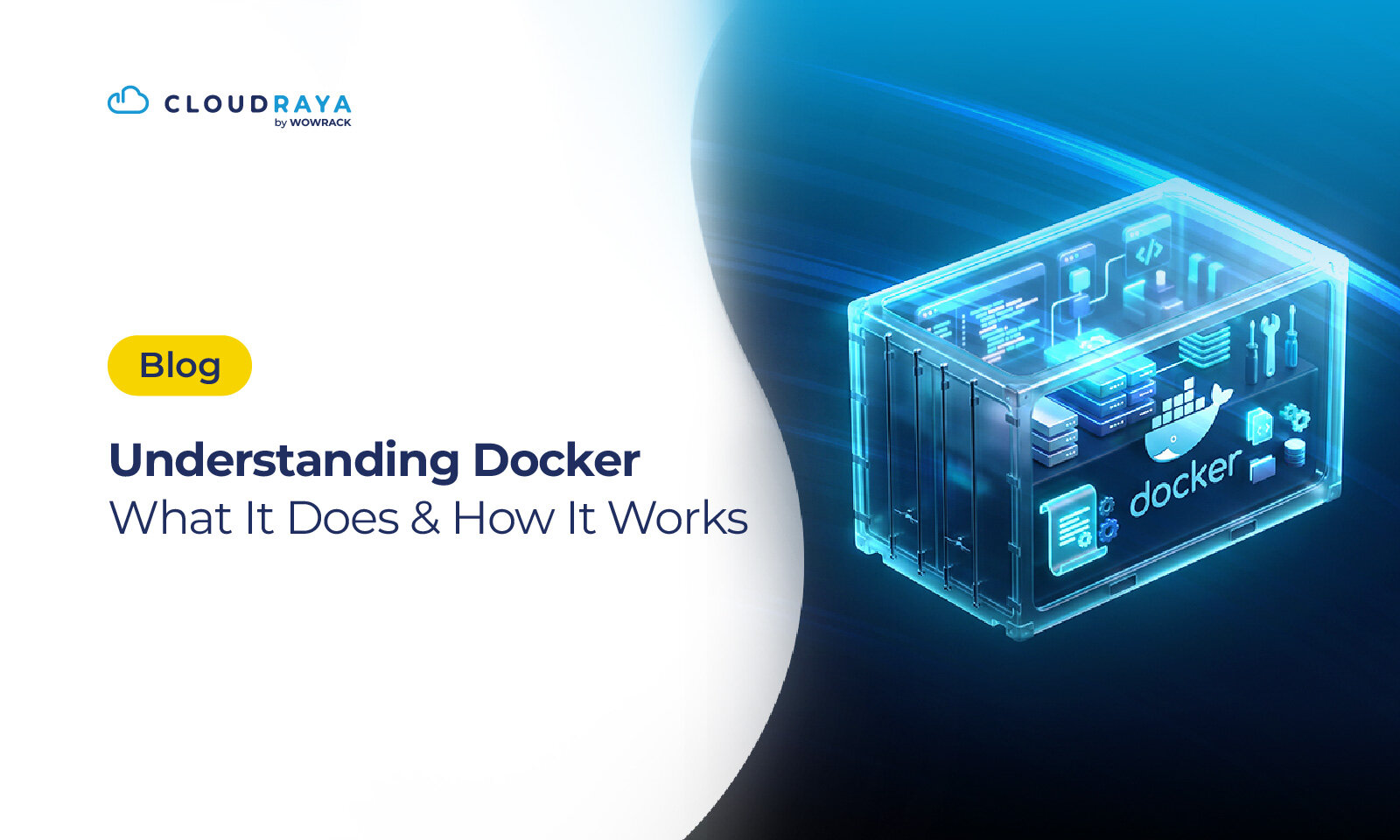
Docker is an open-source platform that allows developers to build, package, and run applications inside lightweight, isolated environments called containers.
Unlike traditional deployment methods, where applications often depend on a server's operating system and installed software, Docker packages everything an application needs. They are all packed into a single container.
Other than the app itself, in one container you can find source code, runtime, libraries, dependencies, and the configuration files. As a result, the application behaves consistently whether it's running on a developer's laptop, a staging environment, or a production server.
To make it easier to understand, think of Docker as buying a flat-pack furniture set. Inside a single box, you'll find every component you need: wooden panels, screws, hinges, assembly tools, and an instruction manual. Since everything is included, you can assemble the same piece of furniture anywhere without searching for additional parts.
Docker follows the same principle. Instead of moving application files separately and hoping the destination server has the correct dependencies installed, Docker bundles everything into a standardized container. This eliminates the problem and makes applications far more portable.
Docker Functions
Docker simplifies many stages of the software development lifecycle, from local development to production deployment. Here are some of its most important use cases.
Running Applications Across Multiple Environments
One of the biggest challenges in software development is maintaining consistency between development, testing, and production environments.
An application may run perfectly on a developer's computer but suddenly fail after being deployed because the production server uses different library versions or system configurations.
Docker solves this by packaging every dependency inside a container. Since the application always runs with the same environment, developers can be confident that it will behave consistently regardless of where it's deployed.
This consistency significantly reduces environment-related bugs while making collaboration between developers much smoother.
Testing New Software Safely
Developers frequently need to evaluate new frameworks, databases, or programming tools. Installing these directly on the host operating system can create dependency conflicts or leave unnecessary software behind.
Docker provides a much cleaner approach.
Instead of installing software directly on your computer, you can launch it inside an isolated container. Once testing is complete, simply remove the container without affecting your primary system.
This makes experimentation much safer and allows developers to test multiple software versions side by side.
Simplifying Application Deployment
Deployment often becomes one of the most stressful phases of software development because even minor configuration differences can prevent an application from running correctly.
Docker dramatically simplifies this process.
Since every dependency is already packaged inside the Docker image, deployment no longer requires lengthy installation or configuration steps. Developers only need to pull the image and run the container.
This approach also integrates seamlessly with Continuous Integration and Continuous Deployment (CI/CD) pipelines, enabling faster and more reliable software releases.
Making Debugging Easier
Troubleshooting production issues can be difficult when developers cannot reproduce the exact environment where the problem occurs.
Docker makes debugging much more predictable.
Because containers encapsulate the complete application environment, developers can recreate the same setup locally and investigate issues under identical conditions. This greatly improves the accuracy of debugging and shortens the time required to identify the root cause.
Developers can also run multiple versions of the same application simultaneously without conflicts, making regression testing considerably easier.
Automating Development Workflows
Docker plays an essential role in automating repetitive development tasks.
Imagine a new developer joining your project. Traditionally, they might spend hours installing dependencies, configuring services, and troubleshooting compatibility issues before writing their first line of code.
With Docker, the environment is already defined through files such as Dockerfile and Docker Compose. New team members simply build and run the containers to obtain an identical development environment within minutes.
As a result, onboarding becomes significantly faster, collaboration improves, and configuration-related mistakes become much less common.
Docker Components
To understand how Docker works, it's important to become familiar with its core components. Each component plays a specific role in building, managing, and running containerized applications.
1. Container
A container is the primary execution unit in Docker.
It contains the application together with everything required to run it successfully, including libraries, runtime environments, dependencies, and configuration files.
Unlike Virtual Machines, containers don't require an entire operating system for each application. Instead, they share the host operating system's kernel, making them lightweight, portable, and highly efficient.
2. Docker Image
Before a container can run, Docker needs an image.
A Docker image is a read-only template containing all files and instructions necessary to create one or more containers. It includes application source code, runtime, libraries, dependencies, environment variables, and configuration settings.
Because Docker images are immutable, every container created from the same image starts with an identical environment. This consistency greatly improves deployment reliability and minimizes configuration drift across environments.
3. Docker Client
The Docker Client is the interface developers use to interact with Docker.
Whenever you execute commands such as docker build, docker run, or docker pull, the Docker Client sends those requests to the Docker Daemon for processing. In other words, it acts as the communication bridge between users and the Docker Engine.
4. Docker Daemon
The Docker Daemon is the core service responsible for managing Docker operations. It handles tasks such as building Docker images, running containers, managing networks, handling storage volumes, and pulling images from registries.
Without the Docker Daemon, Docker containers cannot be created or managed.
5. Docker Registry (Docker Hub)
Docker Registry is a repository where Docker images are stored and shared.
Registries can be public or private, with Docker Hub being the most widely used public registry. It provides millions of ready-to-use images for popular technologies, including Ubuntu, NGINX, PostgreSQL, Redis, Node.js, Python, and many others.
Instead of creating every environment from scratch, developers can simply download an existing image and customize it for their application.
This significantly accelerates software development while promoting code reuse across projects.
Docker Advantages
Docker has become one of the most widely adopted technologies in modern software development. In fact, Docker's 2025 State of Application Development Report shows that 92% of respondents in the IT/SaaS industry have used containers as part of their workflow.
Here are some of Docker's biggest advantages.
Lightweight Compared to Virtual Machines
Unlike Virtual Machines, which require a complete guest operating system for every instance, Docker containers share the host operating system's kernel.
This architectural difference dramatically reduces CPU, memory, and storage consumption, allowing a single server to run many more workloads efficiently.
Faster Deployment
Docker images already contain all application dependencies, making deployment significantly faster than traditional installation methods.
Instead of manually configuring every new server, developers simply deploy the same image across different environments.
This approach also simplifies version control and enables rapid rollback whenever necessary.
Cross-Platform Compatibility
Docker supports Linux, Windows, and macOS through Docker Desktop, allowing development teams to work on different operating systems while maintaining a consistent environment.
This flexibility is particularly valuable for distributed teams working on large-scale software projects.
Massive Community Ecosystem
As one of the world's most popular open-source projects, Docker benefits from an enormous ecosystem.
Developers have access to millions of container images on Docker Hub, extensive official documentation, active community forums, tutorials, and countless third-party resources.
Because Docker has become an industry standard, finding solutions to common issues is usually just a quick search away.
Docker Disadvantages
Although Docker offers numerous benefits, it isn't always the perfect solution for every workload. Depending on your use case, there are several limitations you should consider before adopting it.
Limited Support for GUI Applications
Docker containers are primarily designed to run services, APIs, command-line tools, and backend applications.
While graphical user interface (GUI) applications can still run inside containers, the setup is often more complicated than running them directly on a host operating system. For this reason, Docker is far more common in server-side development than in desktop application deployment.
A Steeper Learning Curve
Docker simplifies application deployment, but getting started requires learning several new concepts.
Developers need to understand Docker images, containers, volumes, networking, Dockerfiles, and Docker Compose before they can use Docker effectively. While these concepts may seem overwhelming at first, they become much easier once you gain hands-on experience.
Shared Kernel Security Risks
Unlike Virtual Machines, Docker containers share the host operating system's kernel.
This architecture makes Docker lightweight and efficient, but it also means that a vulnerability in the host operating system could potentially affect running containers if security best practices are ignored.
To minimize these risks, organizations should regularly update images, apply security patches, restrict container privileges, and use trusted container registries.
Native Performance Can Still Be Faster
Docker introduces very little overhead, but applications running directly on the host operating system still have a slight performance advantage for certain workloads.
In most web applications, the difference is barely noticeable. However, workloads involving high-performance computing, scientific simulations, or latency-sensitive applications may still benefit from running natively.
Docker vs Virtual Machine
Docker and Virtual Machines are often compared because both allow multiple applications to run on a single physical server. However, they solve different problems using completely different architectures.
Simply put, Docker focuses on containerization, while Virtual Machines rely on hardware virtualization.
| Feature | Docker | Virtual Machine |
| Architecture | Shares the host operating system kernel | Runs a complete guest operating system |
| Resource Usage | Lightweight and efficient | Higher CPU, RAM, and storage consumption |
| Startup Time | Seconds | Minutes |
| Isolation | Process-level isolation | Full operating system isolation |
| Scalability | Easy to replicate containers | Slower to provision new instances |
Architecture
The biggest difference lies in how applications are isolated.
A Virtual Machine runs its own operating system on top of a hypervisor. Each VM has its own kernel, storage, memory allocation, and system processes.
Docker containers, on the other hand, share the host operating system's kernel while keeping applications isolated from one another. This makes containers significantly smaller and faster to launch.
Resource Consumption
Since every Virtual Machine includes an entire operating system, resource usage increases quickly as more VMs are added.
Docker containers only package the application and its required dependencies, allowing many more workloads to run on the same hardware.
For organizations looking to maximize server utilization, Docker is often the more efficient choice.
Performance
Docker containers generally start within seconds and consume fewer system resources.
Virtual Machines may require more time to boot because each instance loads a complete operating system.
However, Virtual Machines still provide stronger isolation, making them suitable for workloads that require multiple operating systems or stricter security boundaries.
When Should You Use Docker?
If you feel like you need to build cloud-native applications, develop microservices-based architectures, accelerate software development and deployment, and implement DevOps and CI/CD pipelines, Docker can be an excellent solution for you.
Docker will also help you to maximize your hardware efficiency while maintaining consistent environments across development, testing, and production.
When Should You Use Virtual Machines?
But if you need to run multiple operating systems on the same server, support legacy applications, achieve stronger operating system isolation, meet strict security or compliance requirements as well as host applications that depend on a full operating system, Virtual Machine will be a better choice.
Docker vs Kubernetes
Developers who are new to containers often assume Docker and Kubernetes compete. They solve different challenges and are frequently used together.
Docker is responsible for building and running containers, while Kubernetes focuses on orchestrating containers across multiple machines.
Think of Docker as the tool that packages applications into standardized containers. Kubernetes is the platform that decides where those containers should run, how many copies should exist, and what happens if one of them fails.
| Feature | Docker | Kubernetes |
| Primary Purpose | Build and run containers | Orchestrate containers |
| Typical Scale | Small to medium deployments | Medium to enterprise-scale deployments |
| Deployment | Manual or simple automation | Fully automated orchestration |
| Auto Scaling | Limited | Built-in |
| Self-Healing | No | Yes |
Architecture
Docker operates at the container level.
Its primary responsibilities include building images, creating containers, and running applications.
Kubernetes operates one layer above Docker (or other container runtimes). It manages container scheduling, networking, service discovery, rolling updates, load balancing, and automated recovery across an entire cluster.
Resource Requirements
Docker itself is relatively lightweight and can run comfortably on a single machine.
Kubernetes introduces additional components—including the control plane, scheduler, API server, and controller manager—which naturally require more computing resources.
Because of this, Kubernetes is generally recommended for production environments with multiple nodes rather than small personal projects.
Performance
Docker excels in simplicity and speed.
Kubernetes shines when managing large-scale distributed applications that require high availability, automatic scaling, rolling deployments, and self-healing capabilities.
Neither technology is inherently faster than the other—they simply address different operational challenges.
When Should You Use Docker?
Docker is a great choice if you're learning containerization, building applications for a single server or a small cluster, need fast and repeatable deployments, or manage small to medium-sized projects. Its simplicity, portability, and efficiency make it an excellent starting point for modern application development.
When Should You Use Kubernetes?
Kubernetes becomes the better choice if you're managing hundreds or thousands of containers, building enterprise-scale microservices, requiring high availability, needing automatic scaling based on workload, or looking for automated rollouts, rollbacks, and self-healing. It provides the automation and orchestration needed to keep large-scale containerized applications running reliably and efficiently.
Conclusion
Docker is a technology that makes it easier to develop, package, and run applications consistently across different environments using containerization.
If you're building a modern application or starting to adopt DevOps practices in your organization, you can start using Docker to make your processes faster and more efficient.