Have you ever realized how much data you interact with every day?
Every time you access an application or website, you’re accessing data. This data can come in many forms, like text, files, images, videos, and more.
These data are stored in a crucial component working behind the scenes, the data server.
Data server is like a massive library. It’s where all the “books” (data) are stored neatly, organized into categories, and ready to be accessed by anyone with the right permissions.
Because of its critical role, understanding what a data server is and how it works is an essential first step for anyone interested in information technology, application development, or simply curious about how the digital world operates.
So, let’s dive in and explore data servers in more detail.
What Is a Data Server?

To begin with, let’s first understand what a data server actually is.
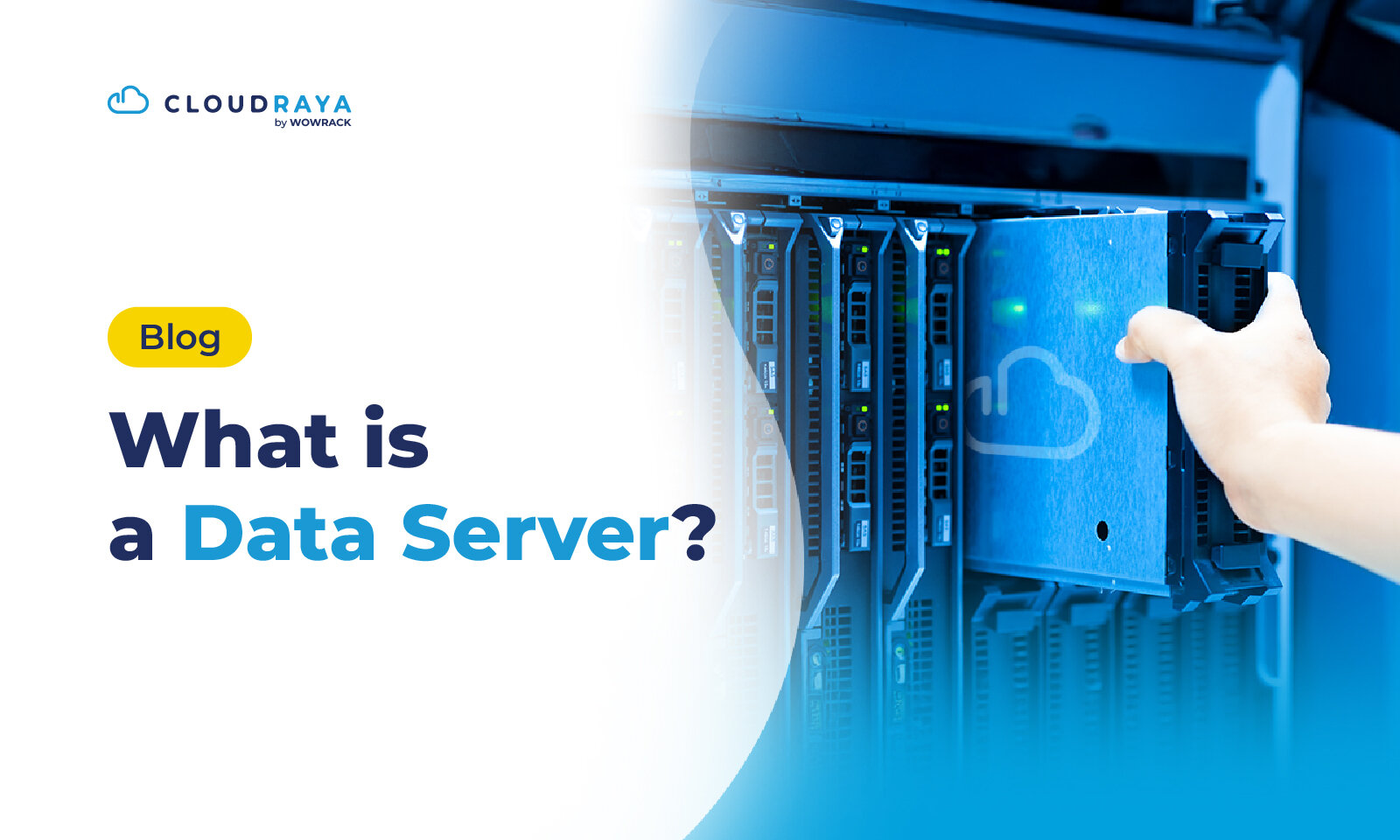
A data server is a system designed to store, manage, and provide centralized access to data for users or other applications.
In a digital architecture, a data server acts as a control center, ensuring data can be accessed quickly and securely over a network.
Without a data server, applications or digital services would have no structured place to store the critical information they rely on every day.
Simply put, a data server is like a multipurpose storage room in your home, you can store anything there and retrieve it whenever you need it.
Data servers typically operate 24/7, which is why they’re built with high-performance specifications to ensure reliability and consistent performance.
Functions of a Data Server

Once you understand what a data server is, it’s important to know that its role goes far beyond just storing data.
Beside act as a storage, data server plays several critical roles to ensure the data is highly accessible.
To be precise, here are the core functions of a data server:
1. Data Storage and Retrieval
The primary function of a data server is to store various types of data, including files, documents, logs, and digital objects.
Data servers are usually equipped with mechanisms that allow data to be retrieved quickly whenever applications or users need it.
2. Centralized Data Management
By storing data in a single centralized location or multiple locations managed centrally, organizations can maintain data consistency and reduce duplication.
All applications and users access the same data source, making operations more efficient and well-structured.
4. Data Security
Data servers come with built-in security features such as user authentication, access control, encryption, and more.
These features ensure that only authorized users can access or modify data, while also protecting sensitive information from external threats.
5. Availability and Performance
To keep data accessible all the time, data servers often use technologies like load balancing, caching, and storage redundancy.
This helps maintain performance and minimize downtime, especially for applications that require real-time data access.
6. Storage Scalability
As businesses grow, their data storage needs grow with them.
Data servers offer flexibility to scale storage capacity either vertically (adding more resources) or horizontally (adding more nodes or clusters).
7. Data Backup and Recovery
To prevent data loss caused by hardware failures, user errors, or system disruptions, data servers provide backup and recovery features.
Some systems use snapshots, replication, or other redundancy methods to ensure data remains safe and recoverable.
8. Application Integration
Data servers are often a core component of application architectures.
They provide interfaces or access protocols that allow applications to read and write data easily, such as APIs, SMB, NFS, or HTTP-based protocols for object storage.
Types of Data Servers
As technology evolves and data requirements become more complex, various types of data servers have been developed to handle different data formats, volumes, and access methods.
Each type has its own architecture and specific use cases tailored to modern applications. Below are the most used types of data servers:
1. File Server
A file server stores and provides access to traditional file formats such as documents, images, videos, and archives. Data is organized in a folder structure and accessed using protocols like SMB/CIFS or NFS.
File servers are widely used in office environments, collaboration systems, and internal company document storage.
2. Object Storage Server
An object storage server stores data as objects—each consisting of the data itself, metadata, and a unique identifier.
This architecture offers extremely high scalability and is ideal for large-scale storage needs such as backups, media files, application logs, and big data workloads.
3. Block Storage Server
Block storage servers store data in small blocks that can be accessed directly by the operating system.
They’re commonly used for performance-critical applications with low latency requirements, such as virtual machines, databases, and transactional systems. Technologies include iSCSI, Fibre Channel, and SAN (Storage Area Network).
4. Distributed Storage Server
This type of data server combines multiple storage nodes into a single distributed system.
Its goal is to deliver large capacity, high speed, and reliability through replication and redundancy.
Technologies like Ceph, GlusterFS, and HDFS are widely used in large data centers, cloud providers, and systems handling massive data volumes.
5. Cache Server (In-Memory Data Server)
A cache server stores data in memory (RAM) for ultra-fast access.
Unlike in-memory databases, cache servers are designed as temporary storage layers to accelerate web applications, APIs, and high-traffic systems.
Technologies such as Redis and Memcached fall into this category, with a strong focus on performance and low latency.
6. Backup Server
A backup server stores copies of data from other servers as part of a security and disaster recovery strategy.
It may support features like snapshots, incremental backups, versioning, and automated restores, ensuring data remains safe even in the event of system failures or user errors.
7. Media Server
Media servers are built specifically to store, manage, and distribute media content such as audio, video, and high-resolution images.
They often include features like transcoding and adaptive streaming to deliver optimal playback experiences. Examples include Plex, Jellyfin, and internal enterprise streaming servers.
Popular Data Server Products

There are many data server products designed to store, manage, and deliver data, from small-scale deployments to enterprise environments.
Each product comes with its own strengths and use cases, ranging from file sharing and object storage to backup and large-scale data distribution.
Here are some of the most widely used data server solutions in the industry:
1. Windows File Server (SMB Server)
Windows File Server is one of the most popular file server solutions in enterprise environments.
Using the SMB (Server Message Block) protocol, it allows users to share files, documents, and folders across a network with granular access control.
2. Linux Samba Server
Samba is an open-source implementation of the SMB/CIFS protocol on Linux, enabling Linux systems to function as Windows-compatible file servers.
It’s widely used due to its flexibility, open-source nature, and ability to handle file sharing at both small and large scales.
3. Network Attached Storage (NAS) – Synology & QNAP
NAS devices are ready-to-use data servers that provide network-based storage with easy configuration.
Products like Synology and QNAP are widely adopted in offices thanks to features such as automated backups, file sharing, multimedia services, and hybrid cloud integration.
4. Object Storage Server –MinIO
MinIO is an object storage server that implements an S3-compatible API. It’s known for being lightweight, extremely fast, and easy to scale.
It’s commonly used by tech companies, startups, and cloud providers to store large volumes of data such as backups, logs, media content, and application files.
MinIO is also a popular on-premises alternative to Amazon S3.
5. Distributed Storage System – Ceph
Ceph is a highly scalable, open source distributed storage system.
It provides three core services in a single platform: object storage, block storage, and a distributed file system.
Ceph is widely adopted by cloud providers and large data centers due to its high availability, self-healing capabilities, and enterprise-grade performance.
Quick Comparison of Popular Data Servers
| Server | Type | License Model | Primary Use Case |
| Windows File Server | File Server (SMB) | Commercial | File sharing, office documents |
| Linux Samba | File Server (SMB/CIFS) | Open Source | Cross-OS collaboration |
| Synology / QNAP NAS | NAS / File & Backup | Commercial | SME offices, backup, archiving |
| MinIO | Object Storage | Open Source / Commercial | Large backups, logs, cloud-native apps |
| Ceph | Distributed Storage | Open Source | Cloud providers, big data, HA storage |
How a Data Server Works
A data server works like a “digital storage cabinet” that multiple users can access over a network.
When broken down into steps, the process is quite straightforward:
- Storing Data in One Central Location
A data server acts as a central repository that stores all files, documents, and critical information in one place.This centralized approach makes data easier to manage and allows multiple users to access it without overloading individual computers.
- Users Send Requests to the Server
When users want to open or modify data, their devices send a request to the server over the network.These requests may include reading a file, uploading new data, or editing existing information, all processed automatically without manual intervention.
- The Server Checks User Permissions
Before providing access, the server verifies whether the user has the appropriate permissions.This step ensures security, allowing only authorized users to view or modify sensitive data.
- The Server Processes and Retrieves the Data
Once permissions are confirmed, the server locates the requested data within its storage system.It then prepares the data or saves new data, using hardware that’s typically more powerful than standard personal computers, enabling fast processing.
- The Server Sends Data Back to the User
After processing, the server sends the data back to the user’s device over the network.As a result, users can view files, save changes, or receive new data within seconds, almost as if everything were stored locally on their own computer.
Conclusion
This article has explored what a data server is, the different types available, and how data server's work.
In short, a data server functions as a centralized storage system that allows users to access and manage data efficiently across multiple devices.
Through structured processes, from request handling and access verification to data processing and delivery, data servers ensure information is available quickly, securely, and consistently.
With this structured approach, data servers form the foundation of modern business operations, team collaboration, and digital services that require always-on data availability.
If you’re looking for a data server for your application, CloudRaya can be a solid option. CloudRaya’s high-performance and secure VM solutions can be configured to meet your data server needs.
Get started with CloudRaya at panel.cloudraya.com or chat with our team via Live Chat to discuss your requirements.