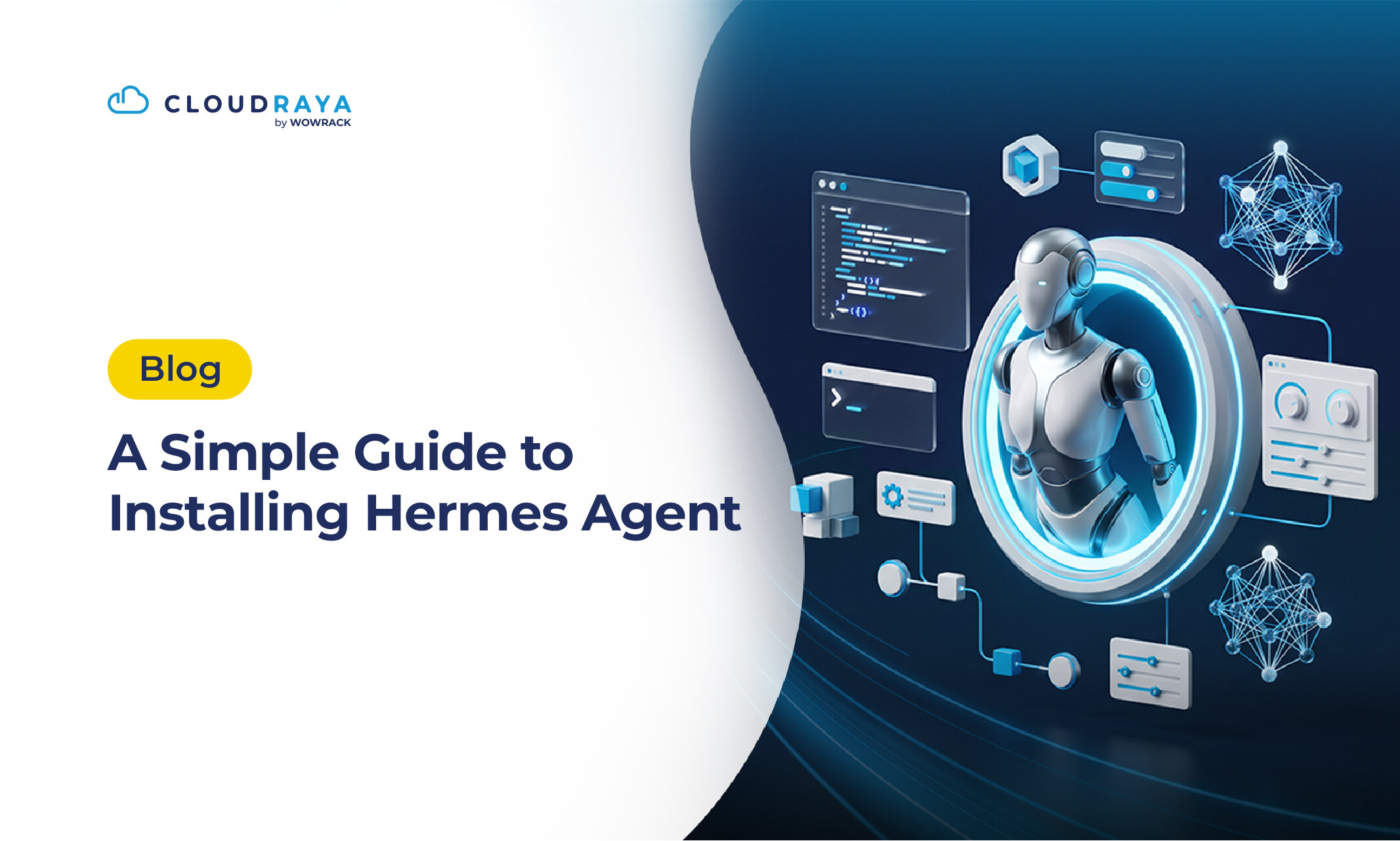
If you think AI is only useful for answering questions and helping you get things done, it's time to discover Hermes Agent!
Hermes Agent does more than answer questions. It can remember context, learn from your interactions, and help carry out tasks more independently.
Think of it as your personal office assistant, but powered by AI and running on your own VPS.
Curious to see what it can do? Let's explore how to install Hermes Agent on a VPS. But first, let's get to know this AI assistant and what makes it different.
What Is Hermes Agent?
Hermes Agent is an autonomous AI agent developed by Nous Research.
Unlike traditional chatbots that mainly respond to individual prompts, Hermes is designed to help you handle daily tasks using various tools. It can also store memories and improve its capabilities based on previous interactions and tasks.
This means you don't have to keep repeating instructions or explaining the same context from scratch. Let's take a closer look at its key features:
- Persistent Memory: Remembers your information and preferences to maintain context across sessions.
- Self-Improving Skills: Creates and improves skills based on the instructions and tasks you give it.
- Tool Integration: Uses various tools, including web search, browser automation, and file processing.
- Scheduled Tasks: Runs tasks on a schedule without requiring a new prompt every time.
- Messaging Integration: Connects with platforms like Telegram, Discord, and Slack for easier interaction.
With these features, you can use Hermes Agent as a personal AI assistant, research assistant, or even as part of your workflow automation.
Where Can You Run Hermes Agent?
You don't need a dedicated server or a high-end computer to get started with Hermes Agent.
It can run in several different environments, including:
-
Personal Computer
Hermes supports Linux, macOS (Apple Silicon), and Windows 10/11. On Windows, you can also use WSL2 if you prefer running it in a Linux environment.
-
VPS or Cloud Server
A VPS or cloud server is generally more suitable if you want Hermes to stay accessible from other platforms without depending on your personal computer.
-
Docker Container
Docker is another option if you want to run Hermes in an isolated environment that's easier to manage.
-
Android (Termux)
Hermes also supports Android devices with ARM64 architecture through Termux. However, some features may have limitations or require additional configuration to work properly.
What Server Specifications Do You Need?
Hermes' resource requirements depend on the complexity of your tasks and the tools you use.
If you connect Hermes to an API provider such as OpenAI or OpenRouter, your VPS doesn't need to run the AI model itself. The server only needs enough resources to run Hermes and its required tools.
In other words, you don't need a VPS with a dedicated GPU. Here's a general recommendation based on different usage scenarios:
| Usage | Recommended Resources |
| Personal use and light automation | 2 vCPU, 4 GB RAM |
| Regular use with multiple tools | 4 vCPU, 8 GB RAM |
| Browser automation and heavier workloads | 4–8 vCPU, 8–16 GB RAM |
Keep in mind that these specifications are starting recommendations, not Hermes' official minimum requirements. Browser automation, file processing, and running multiple tasks simultaneously may require additional resources.
If you only want to try Hermes, use it as a personal AI assistant, or run simple automation tasks, a VPS with 2 vCPU and 4 GB RAM is a reasonable starting point.
However, running an AI model locally on your server is a different story. You'll need significantly more resources, especially GPU power and VRAM.
Once you've chosen the right environment, you're ready to prepare your VPS and install Hermes Agent.
What You Need Before Installing Hermes Agent
Before getting started, make sure you have the following:
- Linux VPS: Prepare a VPS running a compatible Linux distribution, such as Ubuntu.
- SSH Access: Have your server's IP address, username, and login credentials ready.
- Internet Connection: Make sure your server has an active internet connection to download the installer and required dependencies.
For this tutorial, we'll use Ubuntu on a VPS to make the installation and server configuration easier to follow.
How to Install Hermes Agent on a VPS
Once your Linux VPS is ready, you can start installing Hermes Agent through SSH.
Follow these steps to complete the installation and initial configuration.
1. Connect to Your VPS via SSH
Open a terminal on your computer and connect to your VPS using its IP address and username.
ssh username@IP-VPS
Replace username and IP-VPS with your actual server credentials.
2. Check the Installation Requirements
Make sure Git, curl, and xz-utils are available on your server. On Ubuntu, run:
sudo apt update
sudo apt install -y git curl xz-utils
The official Hermes installer will automatically prepare other dependencies, including Python, Node.js, npm, ripgrep, FFmpeg, and the required environment. This means you don't have to install everything manually.
3. Run the Hermes Agent Installer
Use the following command to download and run the official Hermes Agent installer:
curl -fsSL https://hermes-agent.nousresearch.com/install.sh | bash
Wait for the installation to finish. The installer will set up the source code, dependencies, and Hermes command so you can run it directly from your terminal.
4. Reload Your Shell and Launch Hermes Agent
Once the installation is complete, reload your shell configuration so the Hermes command becomes available.
source ~/.bashrc
Then, run:
hermes
If the installation is successful, Hermes Agent will launch, and you can start interacting with it through your terminal.
5. Configure Your AI Provider
Before using Hermes Agent, you need to connect it to an AI model from your preferred provider.
Run the configuration wizard:
hermes setup
Follow the prompts to select a provider and enter the required credentials, such as your API key.
Alternatively, if you prefer a simpler setup through Nous Portal, you can run:
hermes setup --portal
Choose the configuration method that works best for your preferred provider. Once everything is set up, try sending a message through Hermes to make sure the AI model is connected.
6. Connect Hermes Agent to Messaging Platforms
If you want to interact with Hermes Agent through Telegram, Discord, or Slack, you'll need to configure its messaging gateway.
Run:
hermes gateway setup
Follow the instructions to select a platform and connect the required account or bot. Once the configuration is complete, you can set up the gateway to run as a background service.
7. Run the Gateway as a Background Service
To keep Hermes Agent available for incoming messages and scheduled tasks without leaving your terminal open, install the gateway as a system service on Linux.
On your VPS, run:
sudo hermes gateway install --system

sudo hermes gateway start --system
Check the gateway status with:
sudo hermes gateway status --system
If the status shows that the service is running, your gateway is active. You can also check the logs to monitor its activity and troubleshoot potential issues.
8. Check Your Hermes Agent Installation
Finally, run the following command to check your installation and configuration:
hermes doctor
This command helps identify potential issues with your environment, dependencies, or Hermes Agent configuration. If any problems are detected, follow the suggested fixes.
Once everything is running smoothly, your Hermes Agent is ready to help you with your daily tasks!
Deploy Hermes Agent More Easily Through CloudRaya Marketplace
For users who aren't familiar with server management, installing Hermes Agent manually might feel a little complicated. The good news is that you can get started more easily through CloudRaya Marketplace.
Hermes Agent is available on CloudRaya Marketplace as a fully managed serverless container. This means you don't need to prepare a VPS, configure the environment, or run installation commands yourself.
Once deployment is complete, you can access the Hermes Agent dashboard directly through your browser.
So, if you'd rather skip the technical setup and focus on using your AI assistant, CloudRaya Marketplace offers a more convenient way to get started.
Conclusion
Hermes Agent gives you a more capable AI assistant to help with everyday tasks. You can run it on your own server, such as a VPS, or even on your personal computer.
And if you'd rather skip the manual setup, you can deploy Hermes Agent more easily through CloudRaya Marketplace.
Ready to build your own AI assistant? Sign up for CloudRaya today!