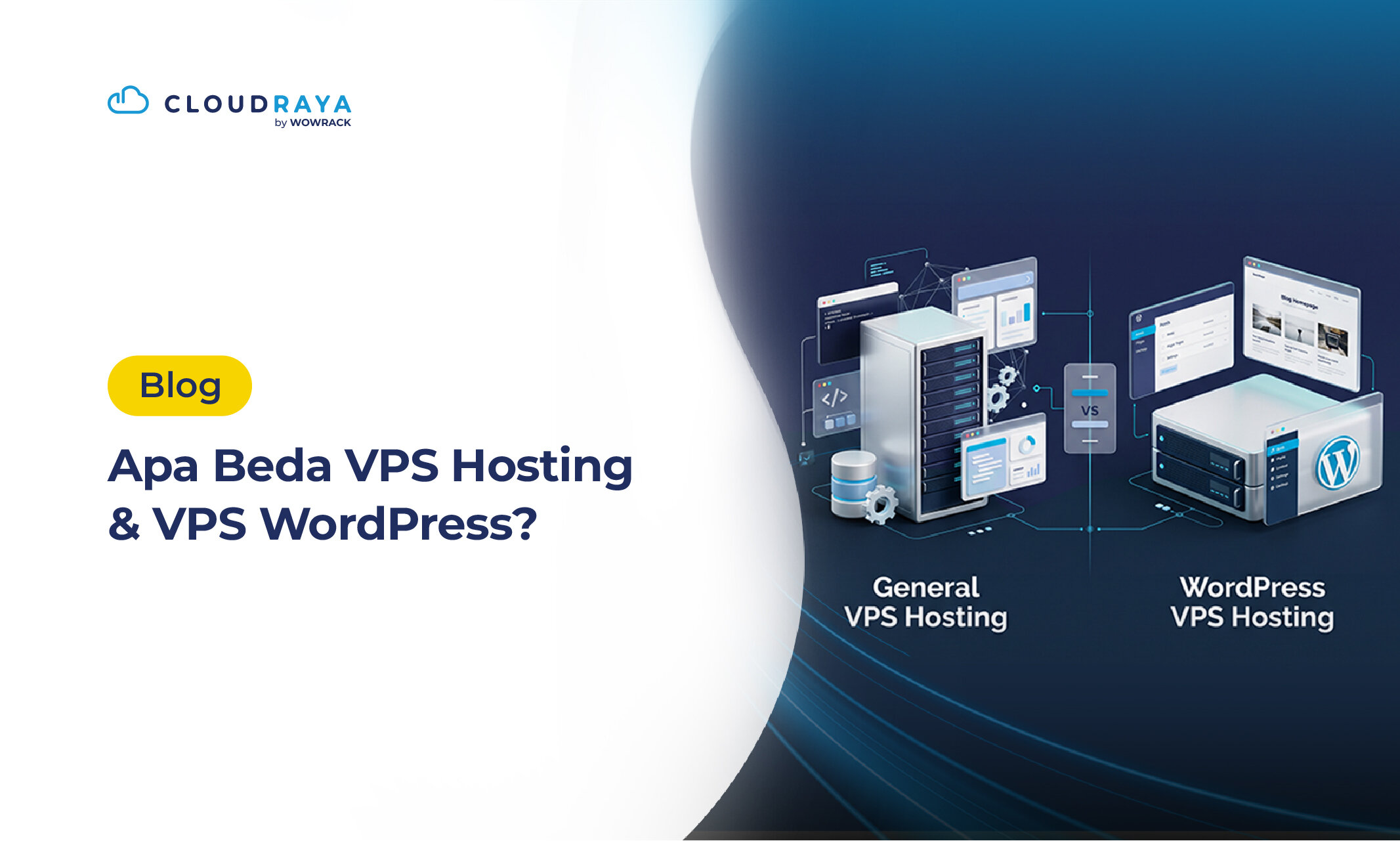
Want to build a website but aren't sure whether to choose a WordPress VPS or regular VPS Hosting?
Although they may seem similar, WordPress VPS and regular VPS Hosting differ in their initial setup and intended use. Before choosing, it's worth understanding what each option offers, along with its benefits and drawbacks.
Let's break down the differences and help you decide which option works best for your needs.
What Is a WordPress VPS?
A WordPress VPS is a virtual private server (VPS) designed to make it easier to launch a WordPress website. Depending on the provider, WordPress may already be installed, or a ready-to-use installation template may be available.
This means you can start building your WordPress website without having to install everything from scratch.
A WordPress VPS is suitable for blogs, business websites, online stores, and other projects that require a WordPress-specific setup.
How Is It Different from VPS Hosting?
A WordPress VPS is prepared for WordPress, while regular VPS Hosting provides a more general-purpose server environment.
Regular VPS Hosting typically comes with an operating system (OS) of your choice and can run various websites and applications. Can a WordPress VPS run applications other than WordPress?
Absolutely. You can install other applications on a WordPress VPS, provided the server configuration and provider's policies allow it. The same goes for installing WordPress on regular VPS Hosting.
The key is to ensure that your server has enough storage and resources to support your applications.
Here's a quick comparison:
| Feature | Regular VPS Hosting | WordPress VPS |
| Primary purpose | General-purpose websites and applications | Primarily WordPress websites |
| Initial setup | May require manual configuration | May offer WordPress pre-installation or templates |
| Performance optimisation | Configured according to workload | May include WordPress-specific configurations |
| Server control | Depends on plan and access privileges | Depends on plan and management model |
| Security & maintenance | User or provider, depending on management level | User or provider, depending on management level |
| Scalability | Depends on provider and available resources | Depends on provider and available resources |
| Technical knowledge | More knowledge may be needed for manual setup | May require less initial configuration |
| Best suited for | Custom applications and mixed workloads | WordPress-focused projects |
Benefits of a WordPress VPS for WordPress
If WordPress is your website's primary content management system (CMS), a WordPress VPS is worth considering. Here are some of its key benefits.
1. More Predictable Resource Allocation
A WordPress VPS provides allocated vCPU, RAM, and storage based on your chosen plan. This makes it easier to understand your available resources and select a configuration that fits your website's needs.
2. More Flexibility to Optimize Performance
With a VPS, you can optimize PHP, databases, web servers, and caching based on your website's requirements. These adjustments can help improve loading speed when configured properly.
However, performance also depends on your WordPress theme, plugins, database efficiency, and overall website optimization.
3. Easy Capacity Upgrades
As traffic grows or your application's needs change, you can upgrade your vCPU, RAM, and storage based on your provider's available plans.
This flexibility helps your website scale without requiring you to build your own physical infrastructure.
4. Greater Server Control
A VPS gives you more flexibility to configure your operating system, application environment, and installed software, depending on your plan and access permissions.
This is useful when your website requires custom configurations or additional applications.
Downsides of Using Regular VPS Hosting for WordPress
Although regular VPS Hosting can run WordPress, there are a few things to consider before choosing it.
1. Initial Setup Takes More Work
If your VPS doesn't include WordPress or an installation template, you'll need to prepare the server first. This may involve installing WordPress and configuring the database, web server, PHP, and SSL certificate.
A control panel can simplify the process by providing a graphical interface for managing your website and server.
2. Security Requires Ongoing Attention
With an unmanaged VPS, you're responsible for tasks such as operating system updates, firewall configuration, access control, and server security.
Without proper maintenance, your server may become more vulnerable to security issues.
3. Technical Skills and Time Are Needed
Managing a VPS requires some technical knowledge, especially when configuring the server, troubleshooting errors, or optimizing website performance.
You'll also need to monitor resource usage and maintain regular backups. If you prefer a simpler experience, consider a VPS with a control panel or a managed hosting service.
VPS Hosting vs. WordPress VPS: Which Should You Choose?
The right option depends on your needs and how much server management you're comfortable handling.
A WordPress VPS may be more convenient if you want to get started quickly with WordPress already installed or available through an installation template.
Regular VPS Hosting is a good fit if you want greater control over your server environment or plan to run multiple applications. However, you'll generally need to handle more of the setup yourself if installation tools or managed services aren't included.
Consider your technical skills, budget, and website requirements before making a decision.
Tips for Getting Started with WordPress on VPS Hosting
If you decide to use regular VPS Hosting, here are a few things to prepare before launching your WordPress website.
1. Choose Your Installation Method
You can install WordPress manually or use a control panel. Manual installation gives you more control over each server component, while a control panel simplifies website, database, domain, and SSL management through a graphical interface.
If you're new to server management, a control panel can make the process easier. You'll still need to keep your software updated and follow basic security practices.
2. Choose the Right Operating System
Linux distributions such as Ubuntu and Debian are commonly used to run WordPress. Make sure your chosen OS still receives security updates and supports the required PHP and database versions.
You can also look for VPS plans with installation templates to simplify server setup.
3. Match the Infrastructure to Your Needs
Beyond server specifications, consider data center location, backup options, technical support, and upgrade flexibility.
If your website traffic grows, monitor resource usage before upgrading. Choosing the right infrastructure can help you manage costs and maintain a reliable website.
Install WordPress Instantly with CloudRaya Marketplace
Want to use VPS Hosting without the hassle of installing WordPress manually? CloudRaya Marketplace offers a WordPress application that you can deploy directly to your VPS using serverless technology, making it easier to get your website started.
Once WordPress is installed, you can customize your website by choosing themes, adding plugins, and publishing content. This approach combines the flexibility of VPS Hosting with a simpler deployment process, so you can spend less time on initial setup and more time building your website.
Conclusion
A WordPress VPS and regular VPS Hosting can both run WordPress, but they differ in initial setup and ease of use. A WordPress VPS can be more convenient if WordPress is already installed or available through an installation template, while regular VPS Hosting offers greater flexibility for configuring your server and running different applications.
Alternatively, CloudRaya Marketplace lets you deploy WordPress directly to your VPS in just a few clicks. Choose the option that best fits your website's needs, your technical skills, and how you want to manage your server.